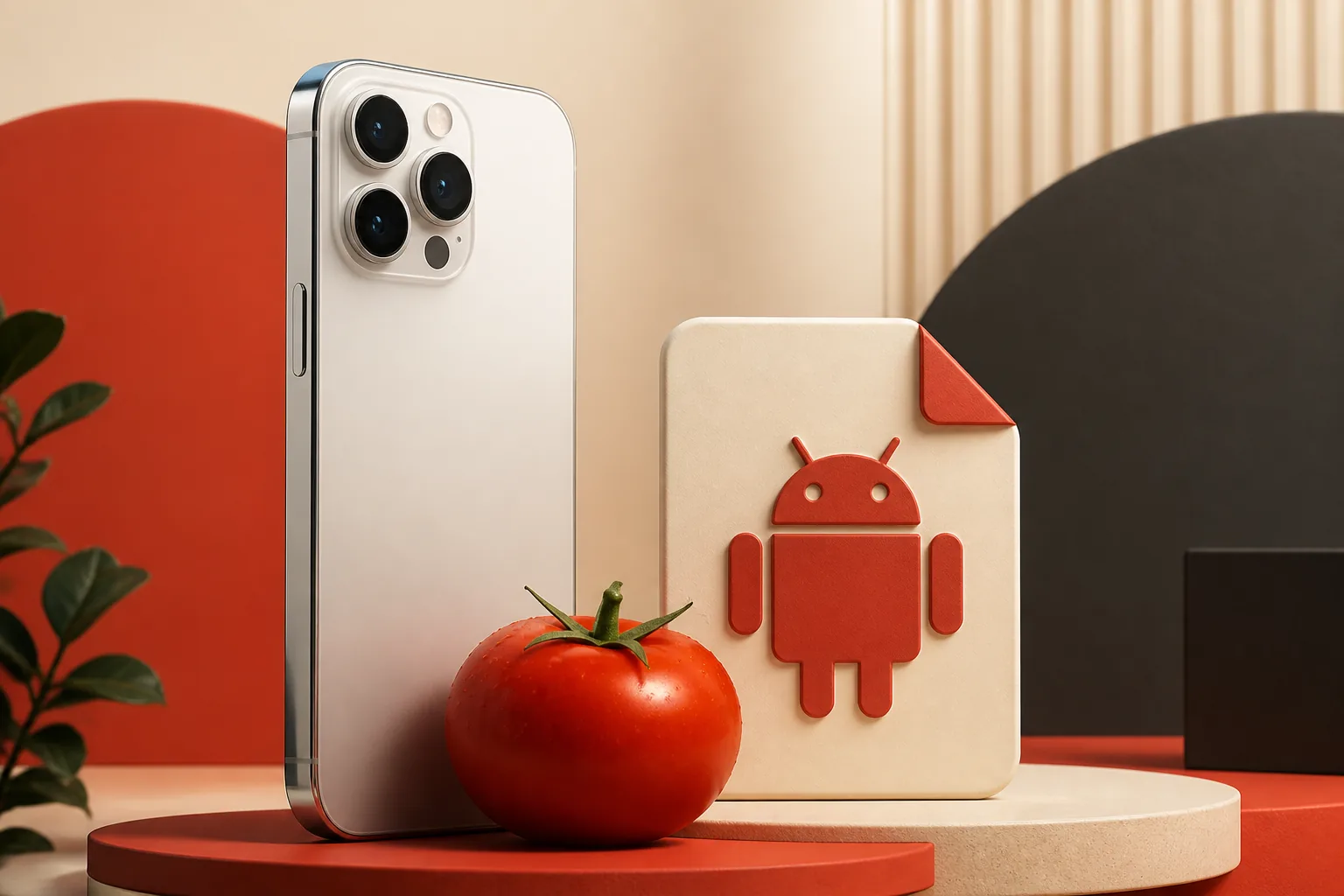
Is Tomato APK available for iPhone?
The practical answer is no verified native iPhone release at this time. Search results may show unrelated apps with Tomato in the name, Android download pages, or sites that relabel a web page as an iOS download. None proves that the same Tomato anime and manga service publishes an official iOS app.
Treat the developer identity as more important than the app name. A legitimate listing should show a consistent publisher, privacy details, support domain, age rating, version history, and an App Store page that opens inside Apple's storefront.
| Option | Works on iPhone? | What to verify |
|---|---|---|
| Android APK file | No | APK is an Android package format |
| Verified App Store listing | Yes, if the publisher matches | Developer, support URL, privacy label, history |
| Official mobile website | Usually | HTTPS, correct domain, browser permissions |
| Unknown IPA or configuration profile | High risk | Do not install without a verified first-party source |
Why an APK cannot install on iOS
APK files contain Android application code, resources, and a manifest designed for the Android runtime. iOS uses a different application format, signing model, permission system, and distribution path. Renaming an .apk file to .ipa does not convert it.
A Windows emulator guide does not apply to an iPhone. Desktop Android emulators create an Android environment on a computer; iOS does not provide that route for ordinary APK installation.

Safer ways to use Tomato-related content on iOS
Start with the least invasive option. If the service maintains an official web experience, use Safari and save a normal bookmark rather than installing a profile. If a real App Store listing appears, open it from the App Store and compare the publisher and support domain with first-party channels.
For content you already lawfully own, a trusted media app or browser-based reader may meet the underlying need without requiring an unverified Tomato package.

- Use the official website in Safari when its domain and ownership are clear.
- Prefer App Store apps with a verifiable publisher and privacy disclosures.
- Avoid sites that require a device-management profile before showing content.
- Do not enter an Apple ID on a third-party download page.
How to check a claimed Tomato iOS app
Use this checklist before installing anything that claims to be Tomato for iPhone or iPad.
- 1
Open the listing inside the App Store
A copied store badge or screenshot is not enough. Confirm that the link resolves to Apple's storefront.
- 2
Match the publisher and support domain
Compare the seller name, developer website, privacy policy, and support contact with first-party Tomato channels.
- 3
Read version history and privacy labels
A coherent history and specific data-use disclosure are stronger signals than a page that only says latest or safe.
- 4
Reject profile-first installation
Do not install configuration profiles, root certificates, or device-management enrollment just to access an entertainment app.
Common fake-download patterns
The iOS keyword attracts pages that reuse Android version numbers or promise a premium, ad-free, modded, or newest IPA without a developer-controlled release page. Those claims do not establish authenticity.
| Claim | Why it is weak | Safer response |
|---|---|---|
| Tomato APK for iOS 1.4.3 | Reuses an unverified Android claim | Ask for an App Store or developer release record |
| No-jailbreak IPA | May hide signing or profile requirements | Do not sideload from an unknown distributor |
| Human verification download | Often leads to surveys or credential collection | Close the page |
| Install this profile first | Can grant management or certificate trust | Cancel and remove any downloaded profile |
Choose the right guide for your device
Use the Android installation guide only for a verified APK on an Android phone or tablet. Use the PC guide when you intentionally run Android inside a desktop emulator. For iPhone, stay with a verified App Store listing or a first-party web experience.
This boundary prevents the iOS page from competing with the main Tomato APK download page: the homepage covers Android source status, while this page answers iPhone compatibility and safe alternatives.
Official platform references
These first-party references explain the Android package model and Apple's supported app installation paths. They do not verify a Tomato iOS release.
Tomato APK for iOS questions
Can I install Tomato APK on iPhone?
No. APK is an Android package format and cannot be installed directly on iOS.
Is there an official Tomato app in the Apple App Store?
We did not find a matching first-party Tomato anime and manga iOS listing in the July 19, 2026 review. Similar names are not proof of the same developer.
Can I convert Tomato APK to IPA?
No practical file rename or online converter can turn Android code into a signed native iOS app.
What if a site offers Tomato IPA without jailbreak?
Treat it as unverified unless the developer controls the release page and the distribution path is transparent.
Can I use Tomato in Safari?
Only use a first-party web service whose domain and ownership you can verify.
Does Android version 1.4.3 prove an iOS version exists?
No. The 1.4.3 number is a repeated third-party Android claim and does not establish an iOS release.