
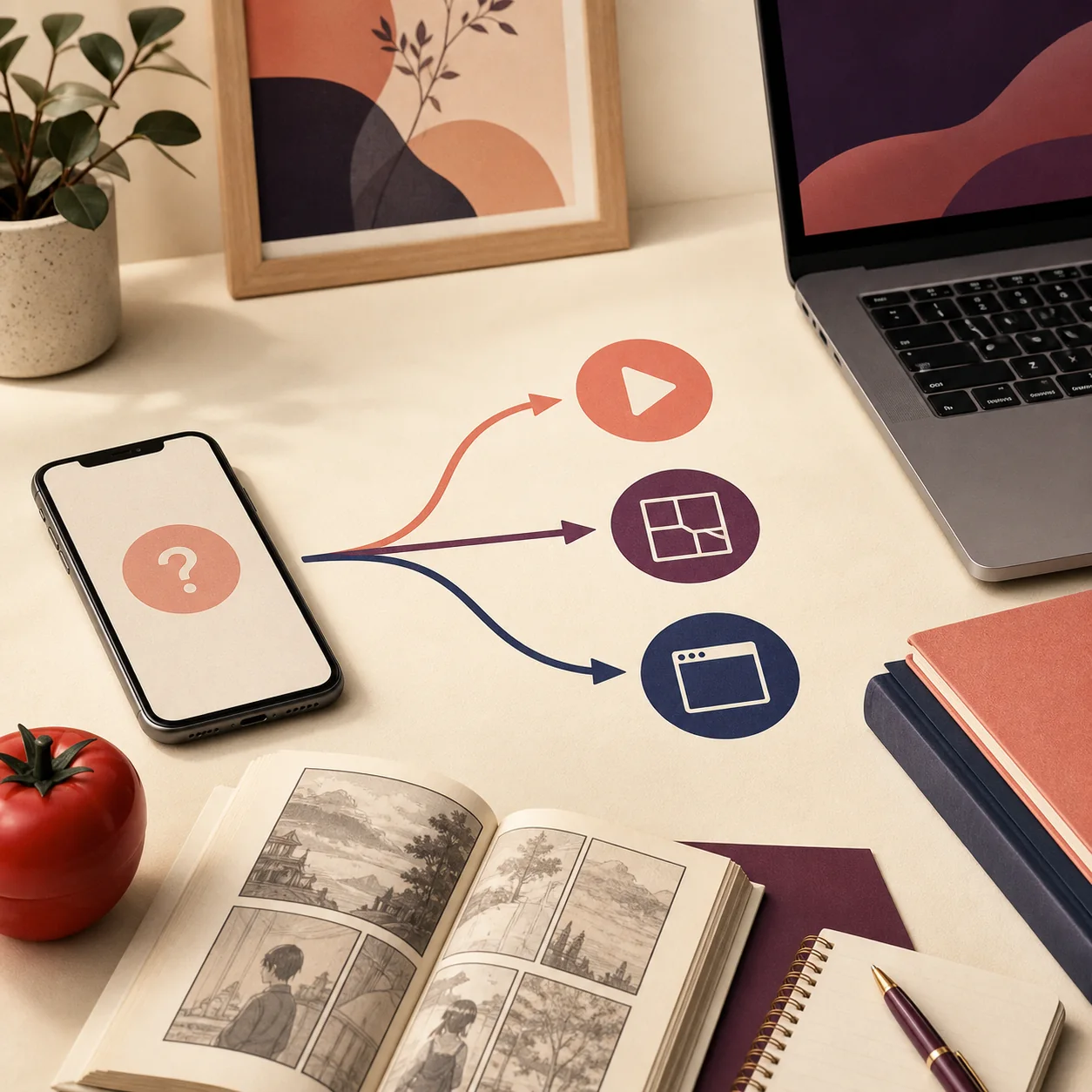
Quick answer: match the alternative to your goal
For manga, begin with a publisher-controlled service such as MANGA Plus by SHUEISHA, VIZ Shonen Jump where available, or another licensed service in your country. For anime, check an official streaming service such as Crunchyroll or a regional provider. On a PC, prefer a browser or the service's documented desktop route. On a TV, use an official TV app or a browser-supported device instead of forcing an unknown APK through sideloading.
Why people search for a Tomato Anime and Manga alternative
The alternative query usually appears when a site is unavailable, a catalog has changed, playback or chapter loading is unreliable, or a user does not want to install an APK from a mirror. Those are different problems. A service that replaces a manga reader may not provide anime streaming, and a website that works in a browser may not have an Android TV app. Treating every result as one universal replacement creates the same identity and compatibility confusion that caused the search in the first place.
A useful comparison therefore starts with the content route. Ask whether you need simulcast anime, a manga chapter, a back catalog, subtitles, offline viewing, a large-screen browser, or a low-permission reading experience. Then check the service's own domain, publisher or store identity, privacy policy, supported countries, and current app listing. A familiar logo, copied screenshot, recent version number, or download counter is not enough to authenticate a package.
This guide keeps the boundaries clear: official alternatives are starting points to evaluate, not blanket endorsements. Catalog rights, pricing, language support, and availability change by country. If a service sends you to a third-party APK, an unverified installer, or an aggressive redirect before explaining who operates it, stop and return to the source check.
Choose by what you want to watch or read
The table below is more useful than a long list of app names because it separates the user's goal from the software format. A browser route can be the best answer when the task is reading or watching and the service already works on the web. An official store app may be better on a phone or TV, but only when the listing, developer, privacy information, and region match what you intended to use.

| Your goal | Best starting route | Checks before relying on it |
|---|---|---|
| Read current manga chapters | Publisher-controlled manga site or official app | Chapter rights, release schedule, language, region, account and download rules. |
| Watch anime with subtitles | Official streaming site or store app | Catalog rights, subtitle language, playback domain, subscription terms and device support. |
| Use a larger PC screen | Browser first; official desktop route when documented | Final domain, pop-ups, privacy policy, keyboard controls, DRM or codec limits. |
| Use a TV or TV box | Official TV app or supported browser | Remote focus, Android TV or TV OS support, store listing, permissions and updates. |
| Install an Android package | Only a publisher-controlled store or release page | Package name, signer, version code, hash, permissions, source and update continuity. |
Official services worth checking first
MANGA Plus by SHUEISHA is a sensible first check when the question is about manga chapters rather than a particular APK. VIZ's Shonen Jump service is another publisher-controlled option in supported markets. Their catalogs and release rules are not identical, so search the title inside the service and confirm the country restriction before assuming that a chapter is available.
For anime, Crunchyroll is an obvious official starting point in many markets, but it is not a guarantee that every title, subtitle, plan, or device is available where you live. A regional broadcaster or publisher service may be the better match. The important distinction is that the service explains its operator, app or website route, terms, and support channel instead of asking you to trust an anonymous APK mirror.
Webtoon platforms can also fit readers whose priority is serialized comics rather than the exact Tomato catalog. WEBTOON, MANGA Plus, and VIZ serve different publishing models and libraries; they should be compared by title availability, language, age rating, account requirements, ads, and offline behavior. Use the official web or store page as the starting URL, not a repackaged installer page.
- Search the official service for the exact series or chapter instead of assuming a copied catalog list is current.
- Read the service's regional and age rules before entering an account or payment details.
- Prefer the official browser or store route when an APK mirror is the only download option.
- Treat a similarly named Tomato app as a separate product until the publisher proves the relationship.
- Keep a note of the source URL and review date when a catalog or app listing matters to your decision.
PC, Android, TV, and iPhone: platform limits
A replacement service is only useful if it fits the device you actually use. A browser-based service can work on Windows and macOS without an APK, but browser playback may still depend on codecs, DRM, extensions, or regional network rules. A native Android app adds permissions, storage, update, and signature questions. A TV app must also expose remote-friendly focus and support the television operating system.
Do not turn a platform limitation into a reason to download an unknown converter or mod. An APK cannot install directly on iPhone or iPad, and a Windows EXE is not authenticated by an Android package name. When a service has an official website but no official TV or desktop app, using the website may be the more transparent fallback.
| Platform | Prefer | Avoid assuming |
|---|---|---|
| Windows or macOS | Browser access or a documented official desktop app | That an APK-to-EXE converter is a native release. |
| Android phone or tablet | Official Play Store listing or publisher release page | That the same title means the same package or signer. |
| Android TV or TV Box | Official TV app or documented browser support | That a touch-first APK will work with a remote. |
| iPhone or iPad | App Store listing or official web service | That an APK can be converted safely to iOS. |
| Shared or family device | A service with clear profiles, privacy and deletion controls | That a free mirror has a safe account or permission model. |
Safety checks before replacing an APK
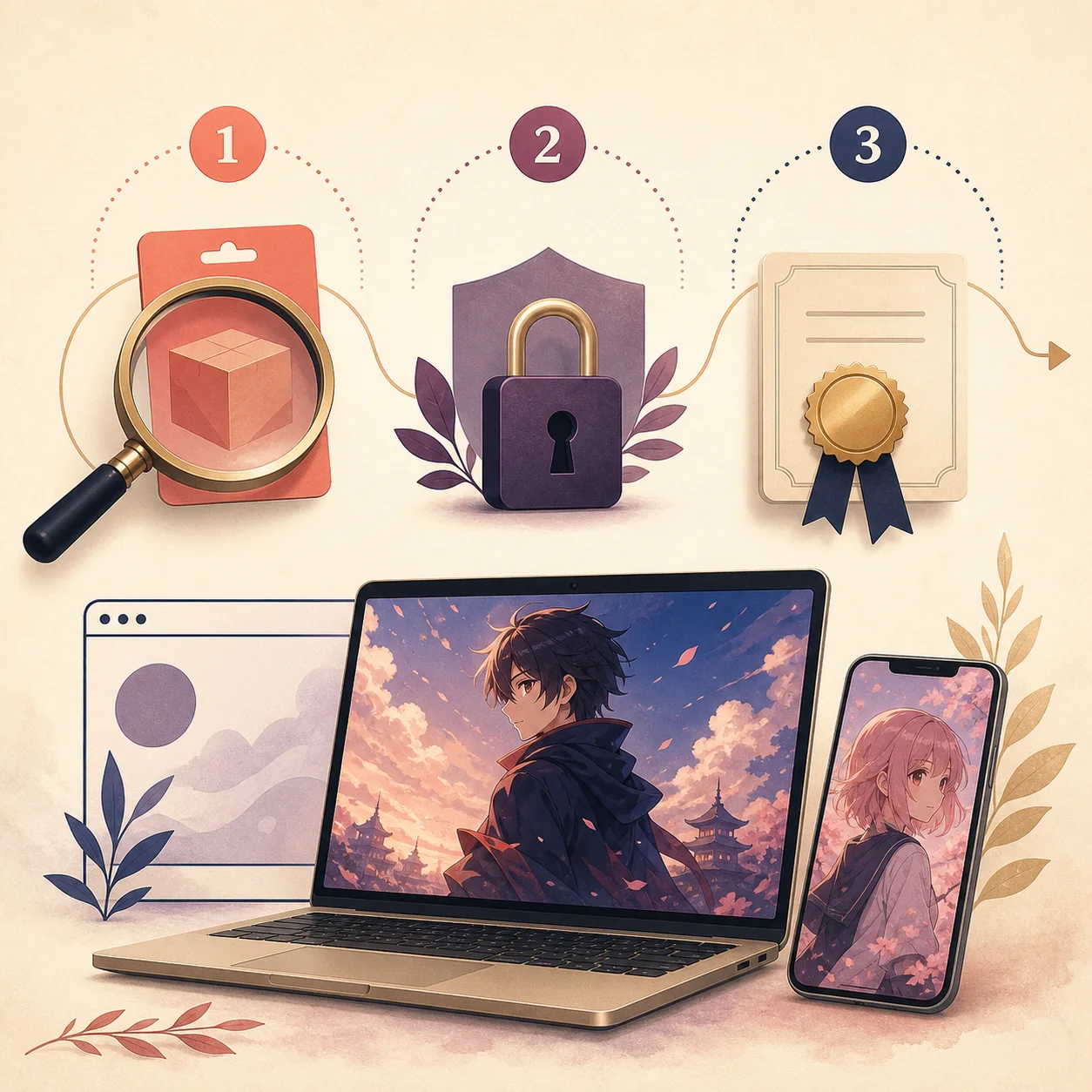
If you already have a Tomato APK and are considering another package, preserve the evidence before installing the replacement. Record the original source URL, package name, version name and code, exact file size, SHA-256, signing certificate, Android requirement, CPU architecture, permissions, and the reason you want to change. A visible version label can be copied; a matching hash and compatible signer provide much stronger identity evidence.
Back up any local favorites or downloaded chapters according to the existing app's documented behavior. Do not uninstall a trusted package merely to test a file signed by a different key. If the new file requests broader access, redirects through several domains, or uses a mod/crack/premium-unlocked claim, treat it as a new untrusted application rather than a harmless update.
- 1
Identify the operator
Open the publisher-controlled domain or store listing and record the developer, support channel, privacy policy, and final download host.
- 2
Separate web from package
A website, Android package, Windows installer, and TV app are different artifacts. Do not merge them because they share a name or logo.
- 3
Compare the file
Check package name, version code, exact size, SHA-256, signing certificate, format, architecture, permissions, and update path.
- 4
Test with limited access
Use a clean profile, keep primary credentials out of the first run, and deny unrelated contacts, SMS, accessibility, overlay, or device-admin access.
- 5
Stop when evidence conflicts
A broken link or missing catalog is inconvenient. A changed signer, unexplained permission, or unknown redirect is a reason not to install.
What not to treat as a real replacement
Avoid pages that promise every anime and manga title, premium access, no ads, unlimited downloads, or a newest build without naming an accountable operator. Those claims often combine a copied brand, a repackaged file, and an aggressive download button. They may also blur the difference between a web catalog and an Android package, making it impossible to know what you are actually installing.
A third-party APK listing can still be useful as a lead for identity research, but it should not be presented as an official alternative, safe download, or verified latest version. If you cannot connect the package to a publisher-controlled release record, use the official web or store alternatives above and keep the unknown file outside your primary device profile.
For a PC search, do not install a bundled emulator or converter just because it carries the Tomato name. For a TV search, do not disable device protections to make a touch-only package open. For an iPhone search, do not enter an Apple ID into a page claiming to convert an APK. These are different technical and security decisions.
- No publisher, privacy policy, support contact, or stable official domain.
- A direct file button that hides the final host behind countdowns or redirects.
- Different package names, signatures, file sizes, or version codes presented as one update history.
- Requests for unrelated permissions or instructions to disable Play Protect or system security.
- Claims of official ownership based only on a logo, screenshot, star rating, or copied description.
A practical decision for the next five minutes
If your immediate goal is manga, open an official manga service and search for the title. If it is anime, compare official streaming catalogs and subtitle options in your region. If you need a PC screen, try the browser before installing an emulator. If you need a TV, check the device's official store or supported browser path. Only consider an Android package after its source and identity survive the evidence checklist.
This approach may not deliver the exact same catalog or interface as Tomato Anime and Manga, but it reduces the chance of solving a temporary availability problem by installing an unknown file. Revisit the service's own listing when the catalog, region, or app version changes, and keep the Tomato APK download and version pages separate from this alternatives decision.
Official services and platform references
These first-party pages are starting points for comparing official anime, manga, and web-comics routes. Availability, catalogs, language, pricing, and device support vary by region and can change.
- MANGA Plus by SHUEISHAPublisher-controlled manga service to check for current chapters and regional availability.
- VIZ Shonen JumpPublisher-controlled manga service with its own title, region, and subscription rules.
- CrunchyrollOfficial anime streaming route to check for title, subtitle, plan, and device availability.
- WEBTOONOfficial web-comics platform for readers whose goal is serialized comics rather than a specific APK.
- Tomato app identity guideInternal guide for separating similarly named websites, store listings, packages, and mirror records.
Tomato Anime and Manga alternative questions
What is the best Tomato Anime and Manga alternative?
There is no single best replacement for every region or goal. Use a publisher-controlled manga service for chapters, an official anime streaming service for video, and a browser or documented TV app for the device you use. Compare the exact title, language, region, privacy, and account rules.
Which site replaces Tomato Anime and Manga on PC?
Start with the official web route for the service that has the anime or manga you want. MANGA Plus or VIZ may fit manga readers, while Crunchyroll or a regional provider may fit anime viewers. A browser is usually easier to verify than an unknown PC installer or APK converter.
Can I install an alternative APK from a mirror?
Not merely because the mirror calls it an alternative or latest version. Record the publisher, package name, version code, hash, signer, permissions, and source chain first. If those fields cannot be verified, use the official website or store route instead.
Do these alternatives work in every country?
No. Catalogs, subtitles, release timing, plans, and device support are often regional. Search the title inside the official service and read its local availability and account terms before relying on it.
Is the Tomato Anime website the same as a Tomato APK?
A website and an Android package are separate distribution channels. A shared name, logo, or catalog claim does not prove that the website published a particular APK. Keep the domain, package name, publisher, and release evidence separate until a first-party source connects them.
What should I use on an Android TV or TV Box?
Prefer an official TV app or a browser route documented for your device. Check remote navigation, operating-system support, store identity, permissions, and update behavior. Do not weaken device security to make an unknown touch-first APK install.