
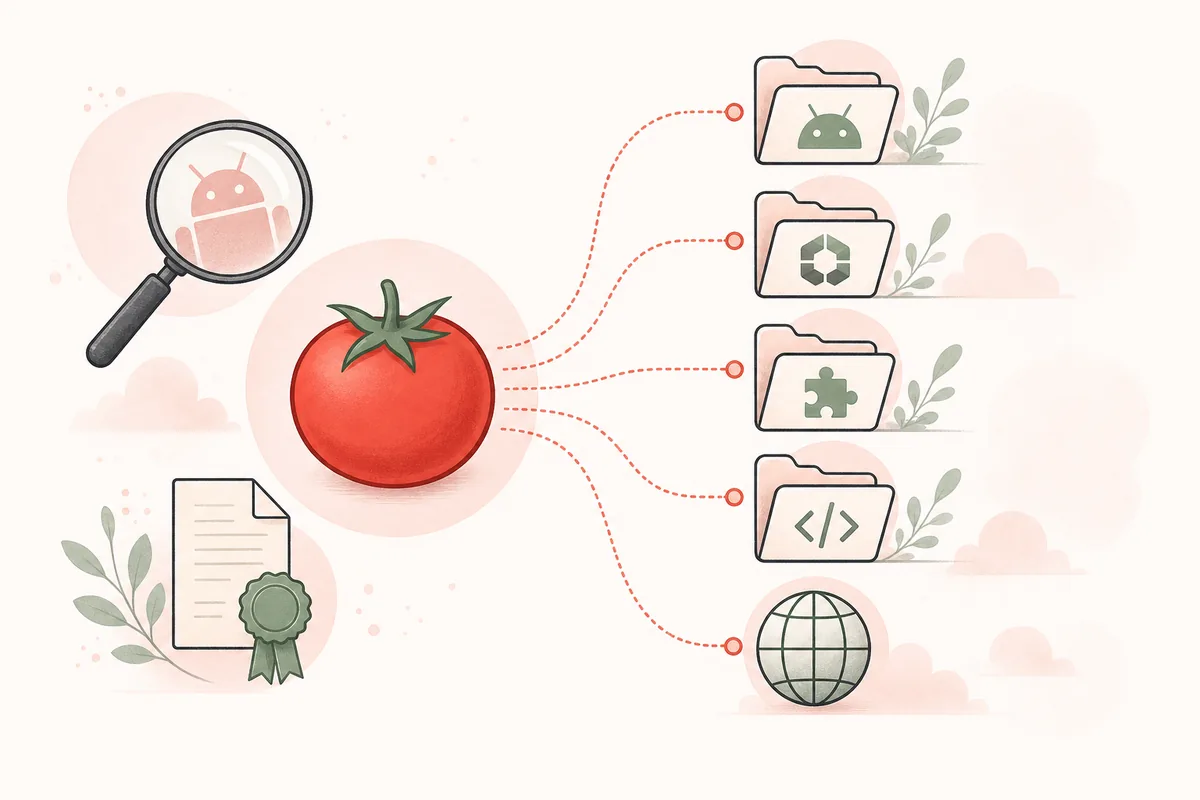
Quick answer: which Tomato app is the right one?
There is no single verified answer based on the name alone. Choose only after matching the package identifier and publisher to a source you intended to use. TomatoAPK.wiki has not verified a developer-controlled store listing for the third-party package claim com.tomatos.clientapp.
What does Tomato app mean in search results?
Tomato app is an entity-discovery query. Some people want an anime streaming app, some want the Tomato Anime website, and others are trying to find an APK file mentioned by a mirror. Search engines can place all of these results together because their names and descriptions overlap, even when their package identifiers and publishers do not.
A brand-like name is not a technical identity. On Android, the package name is the stable identifier used by the operating system and app stores. The visible title can change, and unrelated developers can publish apps with similar titles or icons. That is why a store page, an APK mirror, and a website should not be merged into one assumed product history.
The safest starting point is to record the exact source you meant to reach, then confirm its domain or store URL, developer, package name, update date, privacy information, and signature relationship before installation.
Tomato app listings and package names compared
Our July 30, 2026 review found multiple Google Play entries using the Tomato name. Their package identifiers are different from one another and from the com.tomatos.clientapp identifier repeated by third-party APK sites. These rows are observations from the listed sources, not a claim that any entry is the official successor to another.
The update date shows that a store record changed; it does not establish continuity with an older APK. A valid continuity claim needs a developer statement or matching package and signing evidence.
| Observed source | Developer shown | Package identifier | Observed update | Identity conclusion |
|---|---|---|---|---|
| Google Play: Tomato - A&M | Tomato Labs | com.toma.tvtomato.tomatoextra | May 31, 2026 | Separate package; not evidence for com.tomatos.clientapp |
| Google Play: Tomato | HUNTER LTD | com.anime.tomato | May 7, 2026 | Separate package and publisher |
| Google Play: Tomato | AnimesFlix | com.tomato.anime | June 23, 2026 | Separate package and publisher |
| Third-party Uptodown record | Publisher chain not established | com.tomatos.clientapp | May 27, 2026; 98.12 MB XAPK | Version, hash and certificate observed; not first-party proof |
How to verify a Tomato app package
Before installing a Tomato APK, collect evidence in a repeatable order. Start with the source URL and package identifier. Then compare the version name, integer version code, exact byte size, SHA-256, signing certificate fingerprint, minimum Android version, requested permissions, and supported CPU architectures.
The signing certificate matters because Android normally requires compatible signing keys for an in-place update. If a file with the same visible app name is signed by a different key, it may be a separate application, a repackaged build, or an unexplained publisher migration. Do not bypass an installation warning merely because the icon looks familiar.
A malware scan is useful but incomplete because it cannot prove licensing, publisher ownership, privacy practices, server behavior, or future update safety. Keep the file hash and source record so the exact package can be identified later.

Tomato Anime website, Play listing, or APK mirror?
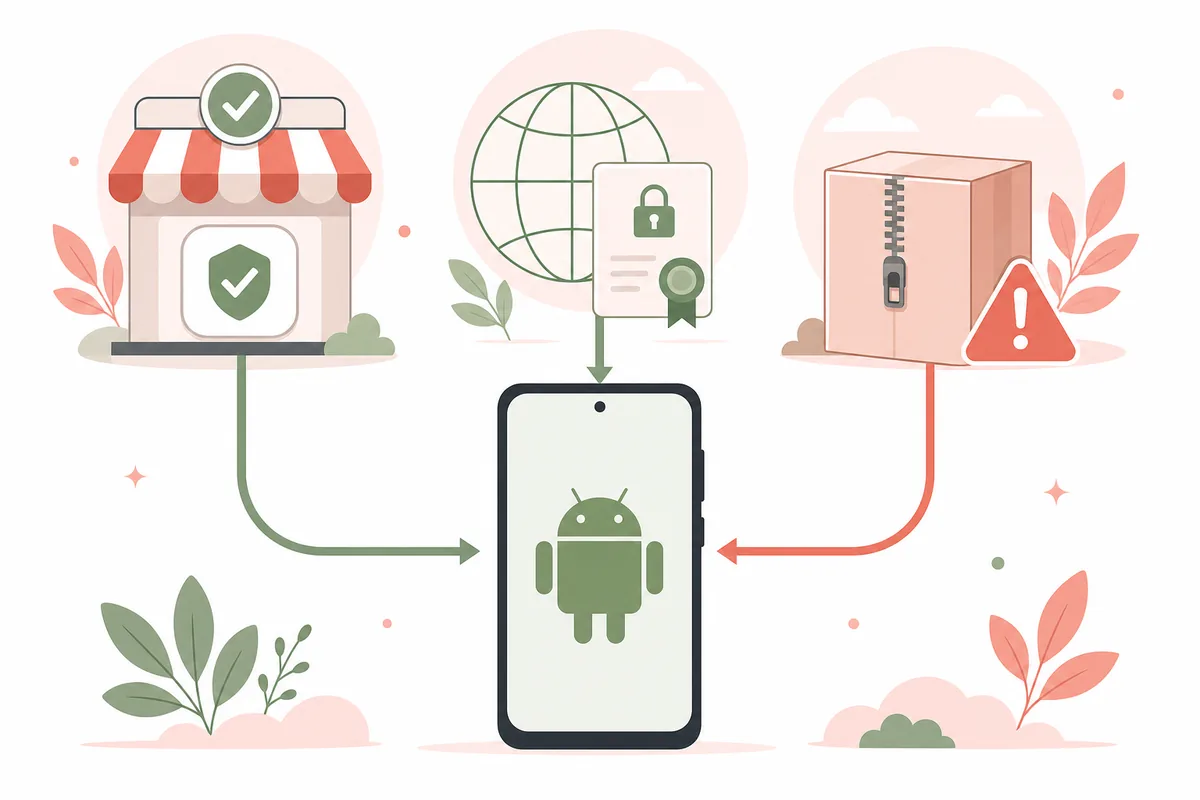
A website runs in the browser and is identified by its domain and HTTPS certificate. A Google Play listing is identified by its store URL, developer account, package name, data-safety disclosure, and version history. An APK mirror is a third-party distribution record that may preserve an older file, repackage a bundle, or publish metadata copied from another source.
Use the channel that matches your task. If you only need browser access, do not install an APK to imitate the website. If you choose a Play listing, evaluate that exact developer and package instead of assuming it is the same file discussed on a mirror. If a mirror is the only source, treat the package as unverified until its provenance and signature can be compared with a developer-controlled release.
TomatoAPK.wiki keeps the direct download disabled. The homepage link to Tomato Anime is a labeled third-party web fallback, not an APK file or proof of an official Android release.
Choose the right Tomato app route
Use a narrow decision instead of searching for one universal download button. Readers who want anime playback and subtitle checks should continue to the Tomato Anime guide. Readers comparing the claimed 1.4.3 package should use the versions page. Readers who already have a file should follow the safety and Android installation checklists before opening it.
Avoid mod, cracked, premium-unlocked, ad-free, or unlimited labels unless the original developer publishes that build. Those phrases usually describe an altered distribution promise, not a verified product edition. Never enter account credentials into a package whose publisher and signature cannot be established.
If a future developer announcement connects one observed store package to com.tomatos.clientapp, this page can be updated with that primary evidence; until then, the identities remain separate.
- 1
Match the intended source
Confirm whether you meant a browser website, Google Play listing, or independently distributed APK.
- 2
Record the exact package
Copy the package identifier and developer name before comparing version or feature claims.
- 3
Check release continuity
Look for a developer-controlled announcement, matching signing key, and consistent release history.
- 4
Install only after verification
Review the hash, permissions, Android compatibility, backup plan, and update path.
App identity and version sources
These links support the observed package names and update dates. Store presence does not prove a relationship between different publishers or packages.
- Google Play: Tomato - A&MStore listing for package com.toma.tvtomato.tomatoextra, shown as updated May 31, 2026.
- Google Play: Tomato by HUNTER LTDStore listing for package com.anime.tomato, shown as updated May 7, 2026.
- Google Play: Tomato by AnimesFlixStore listing for package com.tomato.anime, shown as updated June 23, 2026.
- Uptodown: com.tomatos.clientapp recordThird-party record for com.tomatos.clientapp 1.4.3, updated May 27, 2026, XAPK 98.12 MB, with SHA-256 and certificate data; not a first-party release page.
- APKPure: com.tomatos.clientapp recordThird-party record used to compare package and version claims; not proof of publisher ownership.
Tomato app questions
What is the Tomato app?
Tomato app is an ambiguous search phrase used for several Android listings, a Tomato Anime website, and third-party APK records. Identify the exact package and publisher before treating a result as the app you intended.
Is com.tomatos.clientapp the official Tomato app package?
We found third-party records using com.tomatos.clientapp, but no verified developer-controlled store or release page that establishes it as the official current package.
Are the Tomato apps on Google Play the same app?
No automatic relationship is proven. The observed listings use different developers and package identifiers, so they should be evaluated as separate apps unless a publisher provides migration evidence.
Is the Tomato Anime website the same as a Tomato APK?
A website and an APK are different distribution channels. A shared name or visual style does not prove that the website published a particular Android package.
Which Tomato app should I download?
Download only the exact listing or package whose developer, package name, privacy information, signature, and release history match a source you trust. TomatoAPK.wiki does not currently recommend a direct APK file.
Why do Tomato app versions and file sizes disagree?
Different packages, app bundles, architectures, compression, repackaging, and mirror metadata can produce different sizes. Compare exact bytes, hash, manifest, package name, and signing certificate.