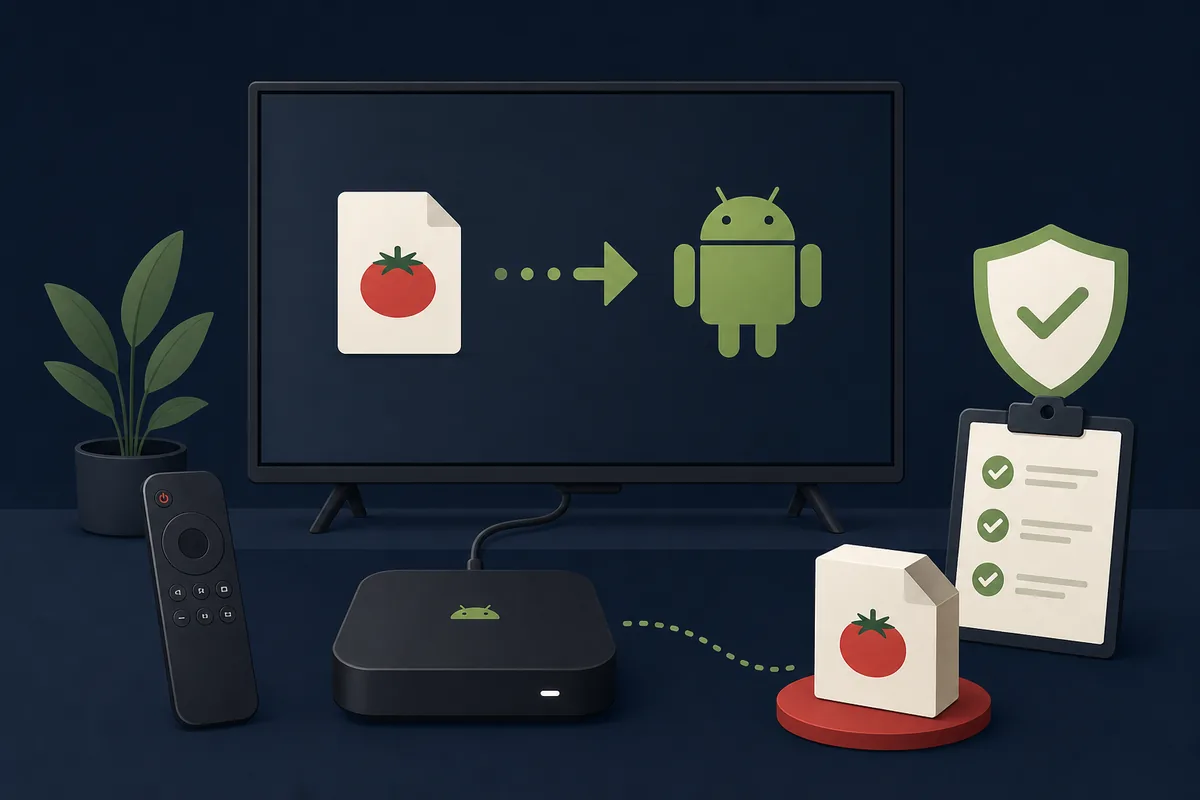
Quick answer: only Android-based TV boxes can try an APK
A certified Android TV or Google TV device, a generic Android TV box, or a Fire TV device may technically sideload an Android package. Roku, Apple TV, Samsung Tizen, and LG webOS do not install Android APK files. Even on Android, Tomato may fail if it expects touch input, a phone orientation, a different CPU ABI, Google services, or more storage than the box provides.
Which TV devices can install Tomato APK?
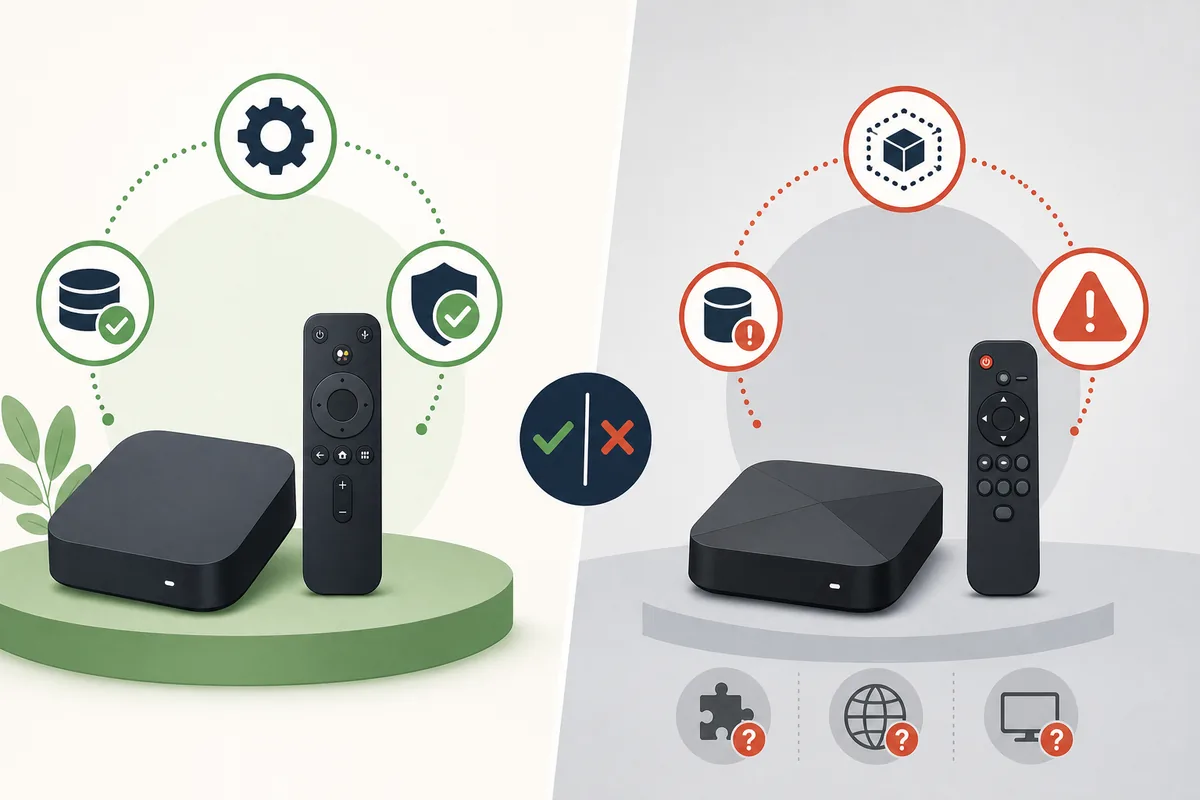
Start with the television platform, not the shape of the device. Android TV and Google TV use Android, while many low-cost TV boxes run a customized Android build. Amazon Fire TV also uses an Android-based system but has its own settings and ADB workflow. Other smart-TV platforms use different application formats.
Compatibility is therefore a two-stage question: can the platform install an APK, and can the specific Tomato build operate with that hardware and input method?
| Device platform | APK support | Practical guidance |
|---|---|---|
| Android TV / Google TV | Possible through supported store delivery or sideloading | Check CPU ABI, storage, Play Protect, remote navigation, and landscape layout. |
| Generic Android TV Box | Usually possible, but firmware varies | Confirm Android version, 32-bit or 64-bit support, available storage, and whether unknown-app permissions exist. |
| Amazon Fire TV | Technically possible through Fire TV developer options | Use Amazon's documented ADB or downloader process and expect remote-control limitations. |
| Roku / Apple TV / Tizen / webOS | No native APK installation | Do not use APK converters. Look for a verified web version or platform-specific store app instead. |
Checks to complete before downloading a TV Box package
Do not begin with a Download button. First record the source URL, claimed version, package name, exact byte size, SHA-256, and signing certificate. The commonly repeated package name com.tomatos.clientapp and version 1.4.3 remain third-party claims rather than first-party release facts.
TV boxes often have limited internal storage and older processors. An XAPK or split-package bundle may also require a compatible installer, while a plain APK may still fail because it contains only an unsupported ABI.
- Confirm the box runs Android, Android TV, Google TV, or Fire OS rather than a non-Android smart-TV system.
- Check Android version and CPU ABI such as armeabi-v7a or arm64-v8a.
- Keep enough free space for the package, extracted files, cache, and future updates.
- Reject modded, cracked, premium-unlocked, or ad-removal packages from unknown uploaders.
- Prefer a file with a reproducible hash and signer identity; a scan badge alone is not proof.
How to sideload Tomato APK on an Android TV Box
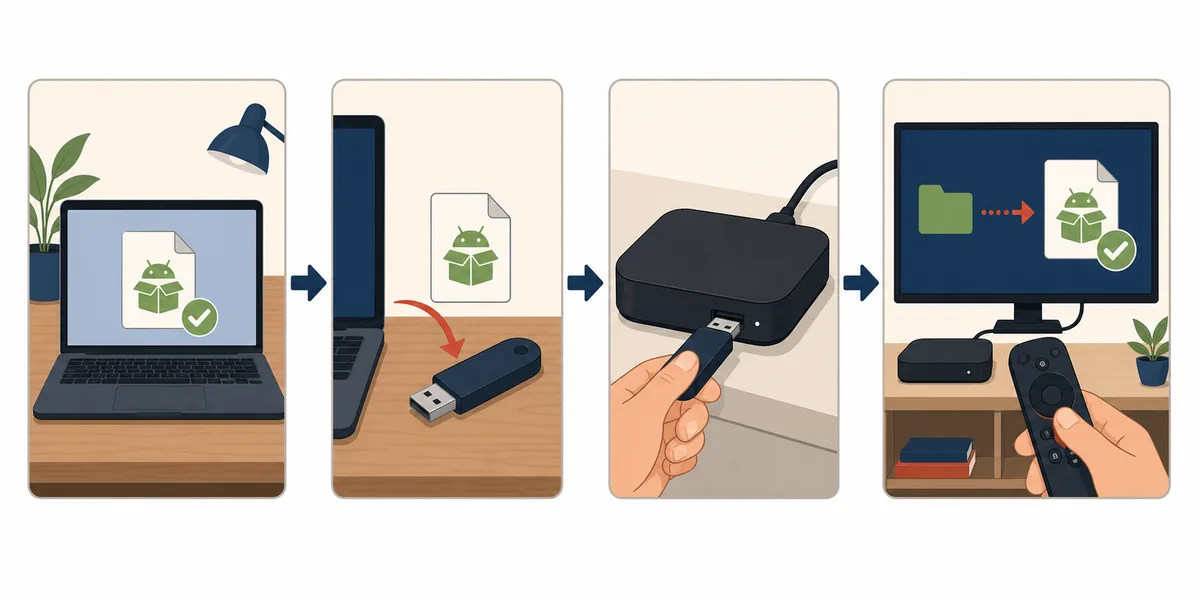
Menu names vary by manufacturer, but the safest workflow keeps verification on a computer or phone before the package reaches the TV box. Enable installation permission only for the file manager or transfer app you actually use, then disable that permission afterward.
The USB method is easier to audit because the original file and its hash can remain on the computer. A network transfer can also work, but avoid random downloader codes and shortened links that hide the final host.
- 1
Verify the file away from the TV
Save the source URL, calculate SHA-256, inspect the package name and signer, and confirm that the file type is really APK or a documented split bundle.
- 2
Transfer the unchanged package
Copy it to a clean USB drive or use a trusted local-network transfer. Recalculate the hash after transfer if the source is high risk.
- 3
Allow one trusted installer
Open Settings, find the special access or unknown-app permission, and grant it only to the chosen file manager. Do not globally disable Play Protect.
- 4
Install and test with the remote
Launch the app, check orientation, focus movement, Back button behavior, video playback, subtitles, and whether any screen requires touch input.
- 5
Revoke the temporary permission
Turn off unknown-app access for the installer and remove the package if the signer, permissions, redirects, or behavior do not match the evidence you recorded.
Why Tomato APK may not work on a TV Box
An installation failure does not automatically mean the file is corrupt. Android may reject a package because the minimum OS version is too high, the CPU library is missing, an older copy uses a different signature, or the box has insufficient storage.
A successful installation also does not guarantee usable television behavior. Phone-first apps can open in portrait mode, hide controls outside the screen, require swipes, or fail to move focus with a directional pad.
| Symptom | Likely cause | Safer next step |
|---|---|---|
| Parse error or unsupported package | Wrong Android version, damaged file, split bundle, or unsupported ABI | Recheck source metadata and architecture; do not download random repacks. |
| App not installed | Signature conflict, low storage, blocked installer, or existing variant | Compare signer and package ID before removing any installed copy. |
| Black screen or immediate crash | Missing codec, Google service dependency, graphics issue, or incompatible firmware | Review logs if available and stop rather than installing a modded build. |
| Remote cannot select controls | Touch-only or phone-only interface | Try a trusted mouse temporarily; uninstall if the app cannot be safely controlled. |
| Update fails | New file uses a different signer or package variant | Do not overwrite the trusted copy until both signatures and sources are explained. |
Remote control, playback, subtitles, and storage
For an anime or manga app, installation is only the first compatibility layer. The interface must expose focus states for a directional remote, video playback must match the device codecs, subtitles must render at television distance, and downloads must fit the available storage.
If navigation works only with a mouse, treat that as a limitation rather than proof that the TV Box version is supported. External storage may help with media space, but Android does not let every app move its data to USB or microSD.
- Test directional-pad focus, Back, Home, play/pause, and full-screen controls.
- Check whether subtitle size, encoding, and timing remain readable on a large screen.
- Avoid granting accessibility, overlay, SMS, contacts, or device-admin permissions without a clear feature need.
- Monitor cache growth and leave free storage for Android updates and app extraction.
- Use the TV Box's normal security updates and network controls; sideloading should not disable them.
When a web version or another device is the better option
If no verifiable Tomato APK source exists, the safest answer may be not to sideload. A developer-controlled web version, casting from a supported phone, or a legitimate television-store app avoids several package and signer uncertainties.
Do not use an APK-to-Roku, APK-to-Tizen, or APK-to-Apple-TV converter. Those platforms require their own application formats and review paths. A page that promises instant conversion is more likely to deliver a wrapper, redirect, or unrelated installer than a compatible Tomato app.
Official platform references
These first-party references explain Android TV quality, CPU architecture, Play Protect, and Fire TV developer access. They do not verify a Tomato APK release.
- Android TV app quality guidelinesGoogle's requirements for TV navigation, layout, controls, and platform behavior.
- Android ABIsGoogle's explanation of CPU architectures and native libraries inside Android packages.
- Google Play ProtectGoogle's guidance on app scanning and protection for apps from outside Google Play.
- Connect to Fire TV through ADBAmazon's official developer instructions for enabling debugging and connecting to Fire TV.
Tomato APK for TV Box FAQ
Can I install Tomato APK on any TV Box?
No. The box must use an Android-based operating system and still needs a compatible Android version, CPU ABI, package format, storage level, and input method. Roku, Apple TV, Tizen, and webOS do not install APK files.
What is the latest Tomato APK version for TV Box?
As of July 22, 2026, no developer-controlled TV Box release or official version record was found. Third-party pages still repeat version 1.4.3, but conflicting package formats and sizes prevent us from calling it a verified latest release.
Is there an official Tomato APK TV Box download link?
We did not find a stable first-party file URL or official store listing tied to the commonly claimed package. This page therefore provides compatibility and verification guidance rather than an unverified direct download.
Can I install Tomato APK on Fire TV Stick?
Fire TV is Android-based and can sideload packages through documented developer options, but Tomato compatibility is not verified. Remote navigation, CPU support, storage, permissions, and the APK source still need separate checks.
Why does Tomato APK install but not work with the remote?
The app may have been designed for touch screens and may not expose focus states for a television directional pad. A temporary trusted mouse can confirm the limitation, but it does not turn a phone-first app into a supported TV app.
Should I download a Tomato mod or ad-free TV Box APK?
No unverified mod should be used to bypass ads or payment. A modified build can have a different signer, extra permissions, changed network behavior, or malicious code even when the visible version number matches.