
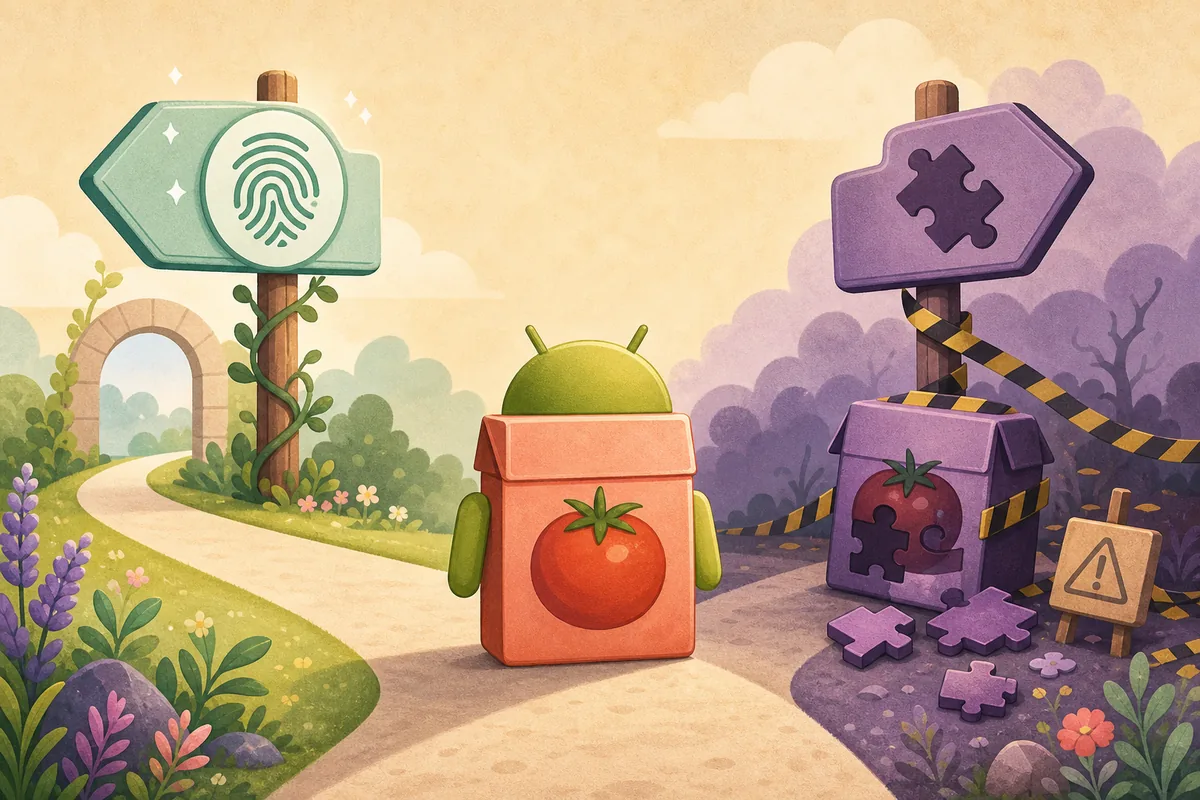
Quick answer: should you download a Tomato APK mod?
Do not install it unless you can identify the original package, compare the signing certificate and hash, inspect permissions, and verify who made the modification. A clean scan or familiar icon cannot prove publisher authorization, privacy behavior, or safe updates. If your goal is fewer ads, offline viewing, or newer features, use a verified store/web release or wait for a traceable publisher update instead of granting trust to an anonymous repack.
What does Tomato APK mod usually promise?
Searches for Tomato APK mod usually combine a brand or package name with a desired change: ads removed, premium unlocked, unlimited access, offline downloads, regional restrictions removed, or a newer build. These are feature promises, not technical identities. Two sites can use the same mod label while serving different files, certificates, trackers, permissions, and code.
The current third-party record for com.tomatos.clientapp provides a useful baseline for comparison: version 1.4.3, XAPK format, 98.12 MB, Android 7.0 or newer, SHA-256 2826a2063d62100a6039544079062447624947736980152dd01bff62dfe524c2, and certificate fingerprint 0d3281619c32a6f8f7693028931bbfa4d87bcb9b. Those values describe the file observed by Uptodown, not a developer-authorized mod and not a universal identity for every Tomato-named app.
A mod listing should therefore be treated as a separate untrusted file until its exact bytes and signer are compared with a known baseline. If the package name, certificate, version code, requested permissions, or source chain changes without a clear publisher explanation, Android update continuity and account safety are no longer established.
| Claim on a mod page | What it may actually mean | Evidence needed |
|---|---|---|
| No ads | Advertising code was removed, disabled, or replaced | File diff, permissions, network behavior, signer |
| Premium unlocked | Local checks were altered or a fake entitlement was added | Publisher authorization, account terms, exact certificate |
| Unlimited downloads | Storage or server checks may be bypassed | Server policy, content rights, storage and network review |
| Latest version | A mirror title may be newer than the file | Manifest versionName/versionCode and dated release source |
| Safe / scanned | One scan found no known detection at that time | Exact hash, scan date, signer, permissions, source history |
Why modified Tomato APK files carry extra risk
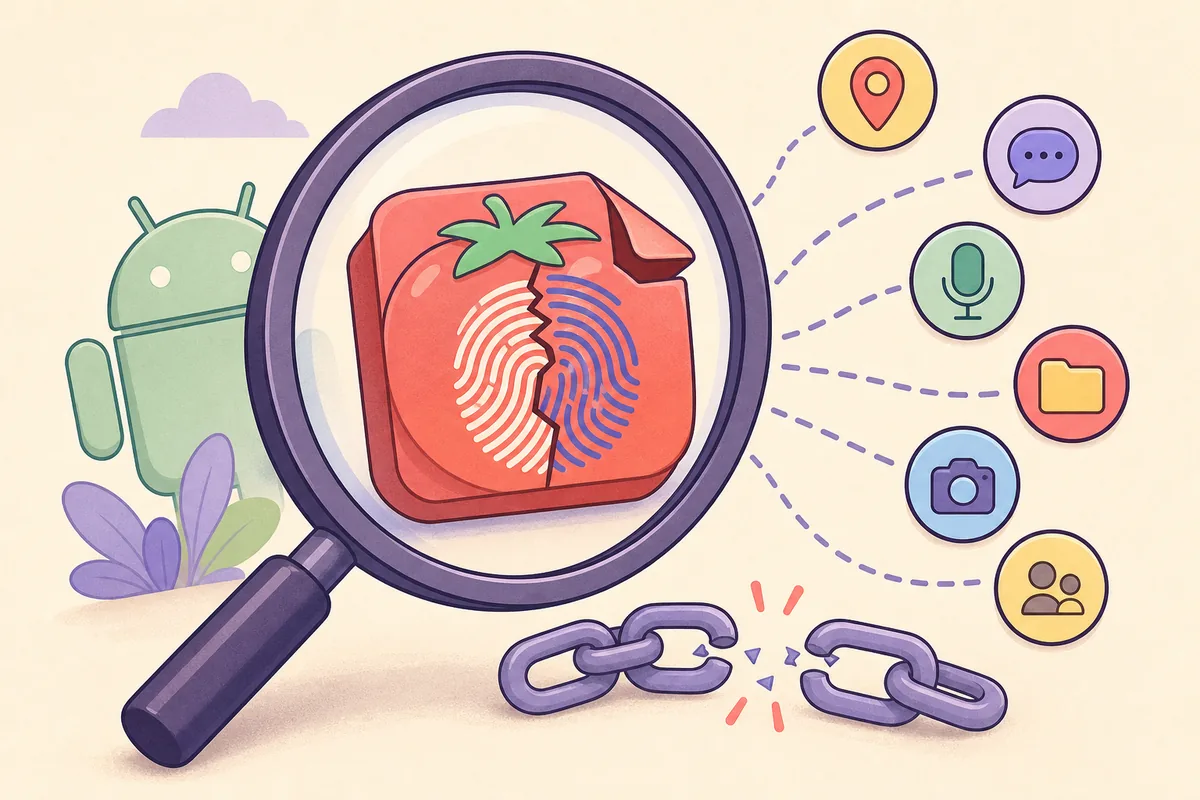
Android uses the application signing certificate as part of update trust. A normally installed update must be compatible with the certificate already associated with the app. A modded package is often re-signed by the person who rebuilt it. That can prevent normal updates, require uninstalling the existing app, create a separate data silo, or make future packages depend on an unknown key.
Modification can also change more than the advertised feature. Added advertising libraries, credential collection, accessibility services, background installers, notification access, storage permissions, or remote configuration may not be visible on the download page. Play Protect and multi-engine scanning are useful signals, but they do not prove licensing, publisher identity, privacy compliance, or harmless server behavior.
Streaming and manga apps create additional account and content risks. A mod may route media through a different server, expose viewing history, request login tokens, or encourage access that is not licensed in your region. Avoid entering email, social login, payment information, or reused passwords into a package whose signer and publisher cannot be traced.
How to check a Tomato APK mod before installation
Do not begin with the filename or icon. Preserve the original download URL and file, then calculate its SHA-256 and extract package metadata. Compare the result with the baseline you intended to install. A matching visible version number is not enough when the hash or certificate differs.
Run the checks on a secondary device or isolated Android profile when possible. Keep Android and Play Protect updated, back up important data, and do not disable security controls globally. If the file requires accessibility, device administrator, SMS, contacts, microphone, location, or install-package permissions without a clear feature reason, or its certificate chain cannot be explained, stop.
- 1
Record source and exact filename
Save the landing URL, final file URL when available, retrieval date, advertised version, and uploader identity.
- 2
Calculate the SHA-256
Use the exact hash to distinguish this file from similarly named packages and future replacements.
- 3
Extract package and version metadata
Check package name, versionName, versionCode, minimum Android version, architectures, and components.
- 4
Compare the signing certificate
A different signer means the package is not a normal update unless a documented key migration explains it.
- 5
Review permissions and network behavior
Reject unrelated sensitive access, background installation, unexplained domains, or credential requests.
- 6
Test without valuable accounts
Use a secondary profile or device and never reuse a password in an unverified package.
Safer alternatives to mod, premium, and ad-free builds
Match the alternative to the feature you actually want. For anime or manga access, a developer-controlled website avoids APK installation, though you must still evaluate the site's identity, privacy, and content rights. For fewer ads, use a publisher-supported subscription or browser controls that do not modify the app package. For offline viewing, choose a service whose visible terms and app controls explicitly support downloads.
If you are trying to fix an outdated build, use the versions guide and compare package identity before updating. The July 30, 2026 freshness check records a third-party 1.4.3 XAPK of 98.12 MB, dated May 27, 2026 for Android 7.0+, but no developer-controlled release page. The homepage remains the single download-status page, while this guide only addresses modified-package intent.
| Your goal | Safer route | What to verify |
|---|---|---|
| Remove ads | Publisher-supported plan or web access | Publisher identity, price, cancellation and privacy |
| Offline viewing | A service with documented download controls | Rights, storage, expiry and region rules |
| Install a newer build | Verified store or traceable release record | Package, signer, version code and release date |
| Use on PC or TV | Reputable emulator or supported Android TV route | Platform support, controls and exact APK identity |
| Protect privacy | Browser access or a known store package | Permissions, data safety, account and network behavior |
Android and Tomato APK verification sources
The Android sources explain signing and device protection. The Uptodown entry is used only as a current third-party package record, not as proof of an official mod or publisher-controlled release.
- Uptodown: Tomato 1.4.3 package recordThird-party record for com.tomatos.clientapp with version, date, size, Android requirement, SHA-256, and certificate data.
- Android Developers: App signingOfficial Android documentation on signing identity and update continuity.
- Google Play Help: Play ProtectOfficial explanation of Play Protect checks and warnings for harmful apps.
Tomato APK mod questions
Is there an official Tomato APK mod?
We found no developer-controlled source authorizing a modified, premium-unlocked, ad-free, or unlimited build of com.tomatos.clientapp. A third-party file using the name should not be treated as official.
Is Tomato APK mod safe if VirusTotal shows zero detections?
No scan can establish publisher authorization, signing continuity, privacy behavior, content rights, or future server behavior. Confirm the exact hash, certificate, permissions, source, and account risk as separate checks.
Can a mod remove ads without changing the signature?
Changing packaged code normally requires rebuilding and signing the result. Unless the original publisher made and signed that build, expect the certificate or update relationship to differ.
What is the current Tomato APK version?
A current third-party Uptodown record lists com.tomatos.clientapp version 1.4.3, updated May 27, 2026, as a 98.12 MB XAPK. We have not verified a first-party release page that declares it official or latest.
Why should I avoid premium-unlocked or unlimited builds?
They may alter entitlement checks, contact unknown servers, request broader permissions, violate service terms, or depend on an unknown signing key. Use a publisher-supported plan or service with documented features instead.
What should I compare before installing a modified APK?
Compare source URL, SHA-256, package name, version name and code, signing certificate, Android requirement, architectures, permissions, embedded services, and network behavior.
Where can I download Tomato APK safely?
Use a developer-controlled store or release page when one can be verified. TomatoAPK.wiki currently does not provide a direct APK/XAPK because the first-party release chain for com.tomatos.clientapp remains unestablished.